
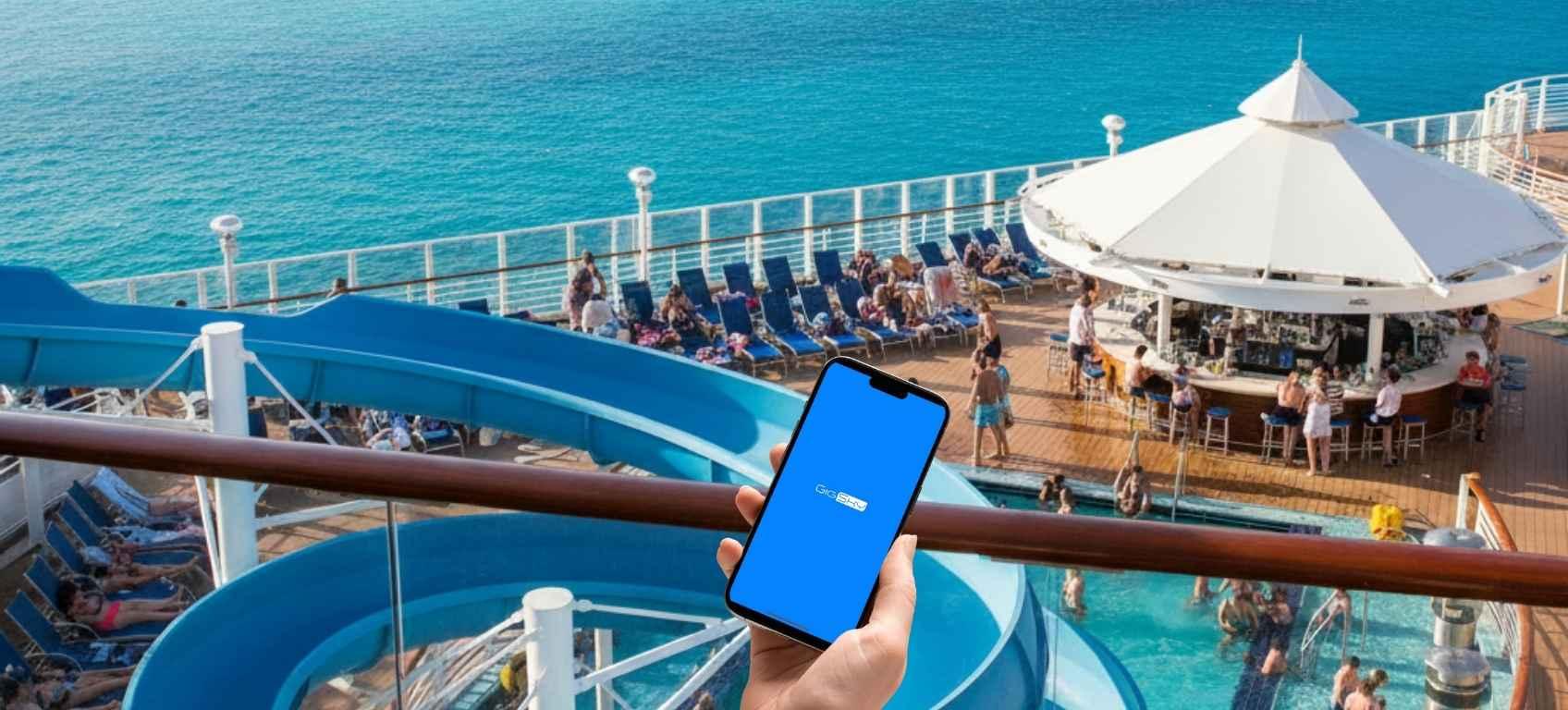


Your Complete Guide to the GigSky Cruise eSIM
Cruising soon? Learn how to stay connected with GigSky’s eSIM, plus the key setup detail that travelers get wrong
 by Amira Bula
The GigSky cruise reviews are mixed. Many cruisers praise the GigSky eSIM for smooth, reliable connectivity, while others report issues that usually trace back to locked phones or incomplete setup.
With coverage on more than 290 cruise ships, including Royal Caribbean, Carnival, Norwegian and more, GigSky stands out as the only eSIM that works both at sea and in over 200 countries on land.
There are two types of cruise eSIMs: Cruise + Land or Cruise only, and each comes with fixed data or the new Day Pass. Fixed data plans start at $10.99, the Day Pass starts at $17.09, and there's a free 100 MB trial so you can test it before you commit.
Setup takes a few minutes in the app, and you'll keep your regular number the whole time. But there's one detail some travelers overlook: timing.
Get it wrong, and your plan could expire before you even leave port.
Try the free 100 MB GigSky cruise eSIM
Here's everything in one view before we get into the details.
| What you get | Key details |
|---|---|
| Coverage at sea | Connects to the ship’s onboard cellular network via satellite. Best signal on deck or in open areas. Weaker in cabins because the ship’s metal structure blocks signal. |
| Ships covered | 290+ cruise ships worldwide, including Royal Caribbean, Carnival, Norwegian and more, plus 200+ countries on land with the same eSIM. |
| Plans & pricing | Two coverage types: Cruise + Land (works on sea days and at every port) and Cruise only (ship only). Each comes as a Fixed data plan or the Day Pass. Fixed plans start at $10.99 for 512 MB, go up to 10 GB and stay valid up to 30 days. The Day Pass starts at $17.09 and you choose from 1 to 30 days. |
| Free trial | 100 MB free cruise trial, no credit card needed, so you can test coverage before you buy. |
| Compatibility | Your phone must be unlocked and eSIM-compatible. Check at gigsky.com/device-compatibility |
| Setup | A few minutes in the GigSky app: Cruises → your cruise line → region → plan. Install once, reuse on every future trip. |
| When to buy | Install right before you board, not weeks early. Buying early can auto-activate the plan on your home network and burn the validity before you sail. |
| Activation | Full connectivity begins about one hour after the ship leaves port. |
| Ship WiFi vs GigSky | Ship WiFi suits heavy streaming and video calls. GigSky suits light-to-medium use: messaging, social, maps and email, on sea days and in port. |
What Is an eSIM?
Before we get into the details, let’s cover what an eSIM is.
An eSIM, or embedded SIM, is a digital SIM card built into your phone, so there's no physical card to insert or swap. You download an app, install the eSIM, and you're set.
You keep your regular phone number for calls and texts while the eSIM handles your data, and your phone can run both at the same time.
No swapping cards, no juggling SIM trays, and no worrying about losing that tiny piece of plastic somewhere across your trip.
Does GigSky Work at Sea?

Yes. GigSky works while you're at sea, not just when you pull into port. It connects to the cellular network the cruise ship sets up using satellite technology, so you're not relying on a phone tower floating in the ocean. The ship creates its own network, and GigSky taps into it.
Coverage varies by where you are on the ship. The frame holds a lot of metal, and metal blocks signal, so your connection might be strong on deck or in open areas near the antennas and weaker in your cabin.
That happens with any connectivity option on a cruise ship, not just GigSky. Full connectivity kicks in about an hour after the ship leaves port, so don't expect to post your embarkation-day photos the second you step aboard.
Plan accordingly. Don't expect to post your embarkation day photos the second you step on board.
How Much Does This Cost?
GigSky gives you two ways to buy, and it helps to know the difference before you pick.
First, there's the coverage: a Cruise + Land plan keeps you connected on the ship and at every port you visit, so it covers your sea days and your days ashore.
A Cruise only plan works on the ship itself, which suits you if you don't plan to use data once you step off.
Then there's the data. You can go with a fixed plan or the Day Pass, which is GigSky's newest cruise eSIM.
Fixed plans start at $10.99 for 512 MB, scale up to 10 GB, and stay valid up to 30 days, which fits longer itineraries or heavier days of messaging and maps.
The Day Pass starts at $17.09 and works a little differently. You choose how many days you need, from 1 to 30, and your messaging and essential apps stay unlimited the whole time.
Regional coverage is what lets one eSIM handle a full itinerary. Each region bundles multiple countries, so you buy once and stay connected on the ship and at every port, with no separate plan for each stop. You pick based on where your cruise is heading:
| Region | Countries covered |
|---|---|
| Americas & Caribbean | 48 |
| Europe | 44 |
| Asia Pacific | 25 |
| Middle East | 9 |
| World Plan | 128 |
How Does the GigSky Day Pass Work?
The Day Pass is designed so you never run out of data while you're at sea.
You start with 500 MB of high-speed data. That's enough to watch videos, upload photos from your last port stop, or scroll Instagram on a slow sea day without thinking twice about it.
Once you use those 500 MB, the essentials keep going. WhatsApp, iMessage, Facebook and Instagram DMs, Uber and other everyday apps stay unlimited, so you can still answer the family group chat or book a ride when you step off in port.
You also pick the length. A four-night Bahamas sailing and a two-week Mediterranean itinerary can each get a pass that matches the calendar, anywhere from 1 to 30 days.
So even out of data, your lifeline apps keep working. There's no moment in the middle of the ocean when a message to home just won't go through.
If you mostly check messages and maps and like knowing your exact allowance, a fixed plan is a good fit. If you'd rather not keep an eye on your usage at all, the Day Pass is the simpler choice.
How to Set Up the GigSky Cruise eSIM
Setup takes a few minutes and is simpler than most people expect. Check compatibility first, then install through the app.
First, confirm your phone can use an eSIM.
Check at gigsky.com/device-compatibility. Most newer phones support eSIMs but it’s worth checking before getting your eSIM.
Next, confirm your phone is unlocked.
An unlocked phone isn't tied to one carrier. On an iPhone, open Settings, tap General, then About, and look for "Carrier Lock." "No SIM restrictions" means you're good.
On Android, open Settings, then Connections, then SIM manager or Mobile Networks; an "Add eSIM" option means you're unlocked.
If you see a SIM-locked message, contact your carrier to unlock it before your trip.
Once compatibility and unlock status check out, here's the install:
- Download the GigSky app.
- Create an account.
- Select Cruises from the menu.
- Choose your cruise line from the list.
- Pick the region where you're traveling.
- Select your plan based on how much data you need and how long you're cruising.
You only install the GigSky eSIM once. After that first setup, you reuse it on every future trip, and it connects automatically when you land at each port, so there's nothing to reinstall or switch on manually.
When to Buy Your Plan
This timing thing trips people up constantly, so pay attention here.
You want to install your eSIM as close to your travel date as possible.
Here's why: when you download the eSIM on an iPhone, iOS automatically activates it.
The phone turns it on and starts looking for networks immediately.
If you bought a cruise plan that covers the Americas and Caribbean, and you live in the United States, your plan might activate the moment you install it because it detects a U.S. network.
Imagine you bought your plan weeks in advance because you found a great promotion.
You install the eSIM, it activates, and by the time you actually board your cruise, your 15-day plan has already expired. Now you're contacting support wondering why nothing works.
Skip this headache entirely. Buy your plan at least one day before your cruise, but ideally just a few minutes before your ship departs.
If you do buy early because of a discount, turn off the mobile data for that eSIM in your phone settings. Keep it turned off until you're actually on the ship and ready to use it.
For regular eSIM plans, we tell people to buy at least one day before their flight.
For cruise eSIMs, wait until you're about to board. The advice changes because cruise plans often include coverage in multiple countries, including possibly your home country, which creates that auto-activation problem.
Keeping Your Regular Number Active
Here's something that confuses people: you can keep your regular phone number active while using GigSky for data.
You're not swapping anything out or losing access to calls and texts on your main number.
But here's what you need to know about receiving calls while you're cruising: turn your phone to airplane mode as soon as you board the ship, then manually turn WiFi and your eSIM back on.
This prevents your regular carrier from connecting to the ship's cellular network, which charges astronomical per-minute rates for calls.
If someone calls your regular number while you're in airplane mode with the eSIM active, the call won't go through.
Instead, use WhatsApp, FaceTime, or any other internet-based calling app to stay in touch with people back home.
These apps use your GigSky data instead of traditional cellular minutes, saving you from those brutal roaming charges.
The same logic applies to texts. Regular SMS messages might trigger charges through your carrier. Stick with WhatsApp, iMessage, or other messaging apps that run on data.
What About the Ship's WiFi?
Some people wonder if they should just forget the whole eSIM thing and buy the ship's WiFi package instead. The answer depends on how you plan to use the internet during your cruise.
The most common question in any GigSky cruise review is whether it can replace the ship's WiFi entirely.
Most travelers use GigSky because they need light to medium connectivity.
Checking WhatsApp messages, pulling up maps when they're in port, scrolling through social media, responding to a few emails. That's the sweet spot for GigSky.
But if you need to stream Netflix, hop on video calls for work meetings, or upload hours of video to YouTube, GigSky probably won't cut it as your only option.
Heavy internet users often combine the ship's WiFi with GigSky. They use the ship's WiFi for bandwidth-intensive tasks and rely on GigSky for everything else, especially when they're in port and want to avoid the ship's WiFi coverage limits.
If working remotely on your cruise is the plan, download your shows and movies before you board, use alternative solutions for heavy work tasks, and save GigSky for WhatsApp, maps, social media, and light work like email.
What if It Doesn’t Work When I Arrive?
You've installed everything correctly, bought your plan, and boarded the ship. But when you try to connect, nothing happens. Before you panic, check a few things.
First, remember that the eSIM needs about an hour after the ship leaves port to start working. If you're still docked or just pulled away from the pier, wait a bit longer.
Second, verify you followed all the setup steps. Is your phone eSIM-compatible? Is it unlocked? Did you install the eSIM correctly through the app? Did you purchase a plan that covers your cruise line and region?
These might seem obvious, but people skip steps and wonder why things don't work.
Third, understand that signal strength varies based on where you are on the ship.
If you're deep in your cabin and nothing's connecting, head up to the deck or common areas where the ship's antennas provide better coverage.
The metal structure of the ship blocks signals inconsistently. Sometimes moving to a different location solves the problem immediately.
Your Guide to the GigSky Cruise eSIM [Recap]
- You can use GigSky on 290+ cruise ships (Royal Caribbean, Carnival, Norwegian, etc.) and in 200+ countries on land.
- Make sure your phone is unlocked and eSIM-compatible before you buy.
- Timing is critical: install your eSIM right before departure, not weeks early, or it may expire before you sail.
- Works at sea by connecting to the ship’s cellular network (via satellite). Expect the best signal on deck or near open areas.
- eSIM activates about an hour after leaving port.
- Plans: fixed data from 512 MB to 10 GB, valid up to 30 days, or the Day Pass with 500 MB of high-speed data for 1 to 30 days. Cruise only or Cruise + Land, by region (Americas, Europe, Asia Pacific, etc.).
- On the Day Pass, WhatsApp, iMessage, Facebook and Instagram DMs, Uber and other essential apps stay unlimited after your 500 MB is used.
- Buy through the GigSky app: choose Cruises → your cruise line → region → plan.
- Install once and reuse it on future trips. There's no need to reinstall.
- Use WhatsApp, iMessage, or FaceTime for calls/texts.
- Ship WiFi is best for heavy streaming or work; GigSky handles light-to-medium use (social, email, maps).
- If it’s not working: wait an hour after departure, double-check setup, or move to an open deck for signal.
Ready to explore GigSky's Cruise eSIM plans? Visit gigsky.com to check compatibility, browse cruise coverage, and find the plan that fits your next voyage.