

%2520(1).jpg&w=3840&q=75)


3 Ways to Get Internet on a Royal Caribbean Cruise: From $19.99 to $26.99/day
Stay connected on your cruise with tips on Royal Caribbean WiFi and affordable GigSky eSIMs. Plan ahead for a stress-free and seamless travel experience!
 by Alexis Miller
If you’ve ever been on a cruise and felt that sinking feeling when your phone says “No Service,” you’re not alone.
Many travelers discover too late that staying connected at sea isn’t as simple, or as affordable, as it is on land.
Whether you want to check in with family, share your sunset photos instantly, or keep an eye on work emails, Royal Caribbean offers a few ways to get online.
In this guide, we’ll walk through three main options: roaming with your home carrier, Royal Caribbean’s VOOM WiFi, and GigSky’s Cruise + Land eSIM plans, so you can pick the cruise WiFi that fits your trip and your budget.
With the GigSky app, you can claim a $0 Cruise eSIM Trial that includes 100MB of data, no credit card required. It works everywhere a GigSky cruise plan works, both at sea and in port. You can use the data for any activity: enough for quick messages, checking maps when you dock, confirming plans, or letting family know you’re okay.
Once you reach the 100MB limit, data simply stops. Nothing charges automatically. If you want more, you can choose to upgrade to a larger cruise plan, with options starting at $19.99, entirely on your terms.
Option 1: Roaming with Your Home Carrier
Using your mobile carrier’s roaming services can be a convenient way to stay connected during your cruise. However, it’s also the priciest option for most travelers, especially on the high seas.
Features
- Seamless Setup: Your phone remains connected to your home cellular network using satellite coverage — no new apps or hardware required.
- Usage-based Billing: You’ll likely pay per megabyte or gigabyte, depending on your carrier’s roaming agreement and the actions you want to take (calls, texts, data use).
- Global Reach: Most major carriers offer roaming services wherever Carnival ships sail.
Estimated Pricing
- Rates often vary, but many carriers charge $2 to $6 per megabyte while at sea or when roaming internationally.
- Some offer packages, such as $100 for a few hundred megabytes. Always check with your carrier to avoid unexpected charges.
Best For
This option works well if you prioritize convenience and only need minimal data (e.g., for occasional texts or emails). Heavy internet users might want to avoid roaming entirely due to its high costs.
Option 2: Royal Caribbean WiFi (VOOM)
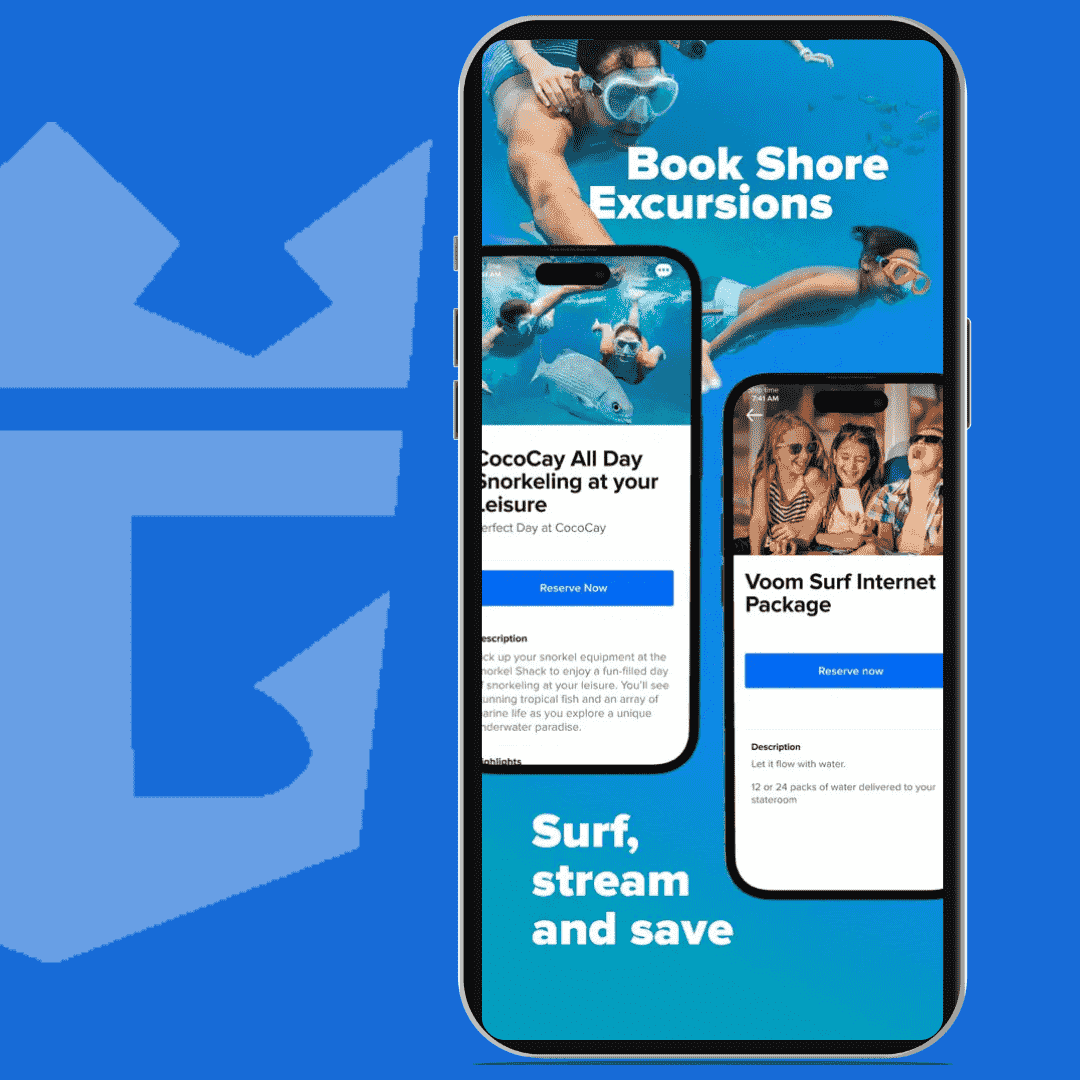
Royal Caribbean cruise WiFi, powered by Starlink technology, is marketed as “the fastest internet at sea.” It offers connectivity that supports activities like browsing, social media, video calls, and streaming.
Plan Options & Pricing
Royal Caribbean offers a single package for their cruise ship WiFi offering: Surf & Stream. Subsequent devices cost more per device per day. Royal Caribbean offers up to 30% discounts if cruisers book in advance (depends on the current promotions).
- VOOM surf + Stream: Cost: $26.99 per day for the first device; $17.99 per day per additional device.Features: Includes access to social media, streaming services and Wi-Fi calling.
How to Connect to VOOM WiFi
- Purchase a Plan:
- Before sailing, log in to the Royal Caribbean website or app and pre-purchase the cruise WiFi VOOM Surf + Stream package.
- Alternatively, purchase a plan onboard the ship at any time.
- Activate Internet Access:
- Connect your device to the ship’s “@Royal_WiFi” network.
- Open your browser, which will redirect to the Royal Caribbean login page.
- Enter your stateroom and reservation details to activate your purchased plan.
- Enjoy Connectivity:
- You’re all set to browse or stream with high-speed internet.
VOOM WiFi is ideal for travelers who want a reliable connection for both productivity and entertainment.
Option 3: GigSky Cruise + Land eSIM Plans
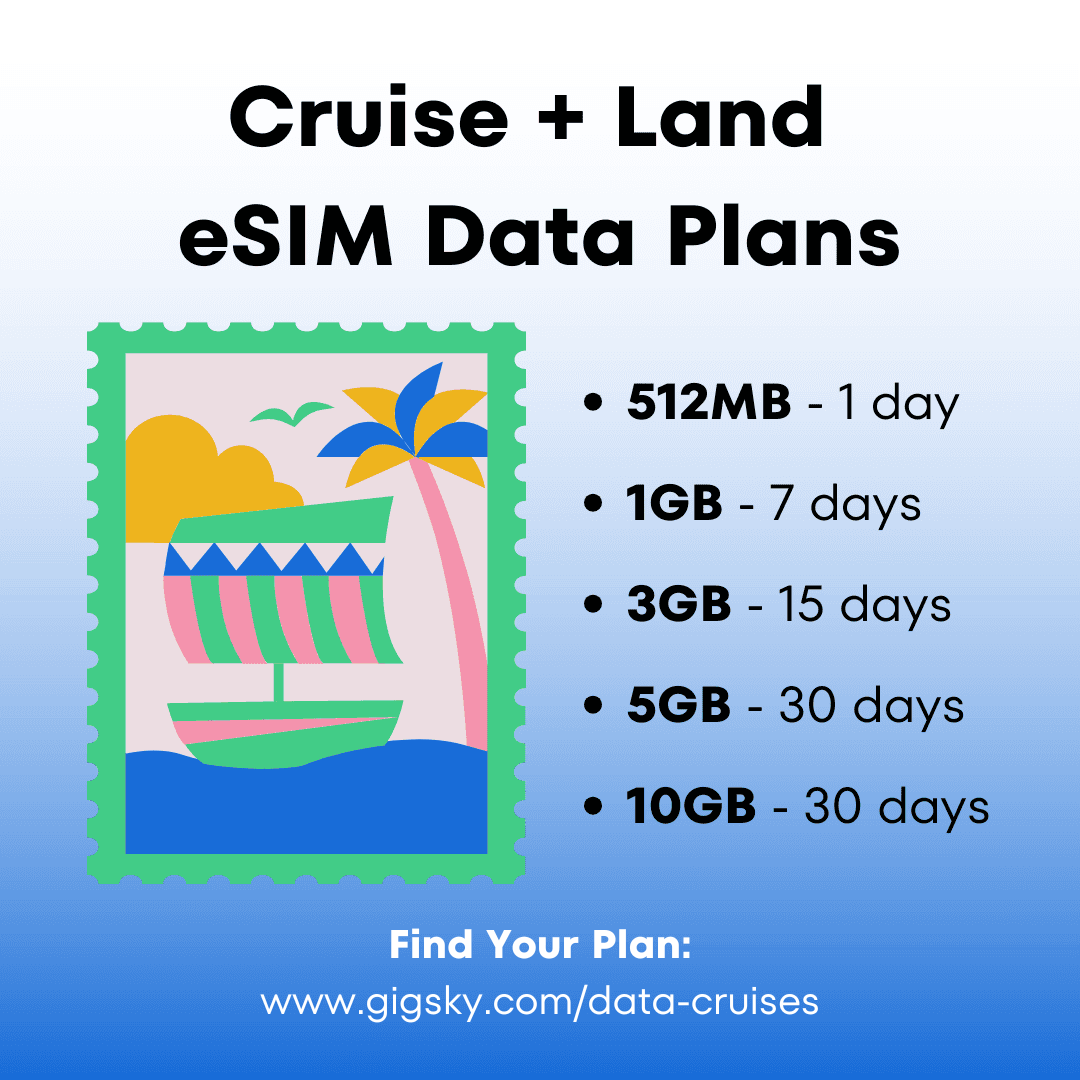
The GigSky Cruise + Land eSIM plan is a modern option that works seamlessly both onboard Carnival ships and when docked at port destinations. All you need is an eSIM-compatible smartphone.
Features
- Affordable Rates: Plans start at just $19.99, significantly cheaper than cruise-specific WiFi for most users.
- On & Off-Ship: Get uninterrupted coverage on and off the ship.
- User-Friendly Setup: No physical SIM required — just activate through the GigSky app.
- Data-Use Monitoring: GigSky’s app lets you track your real-time data usage so you never run out.
- No Hidden Fees: Never pay data roaming charges; you only pay for the data you need.
How to Connect Using GigSky
When you are ready to start your trip, use the following instructions to set up your GigSky Cruise + Land eSIM!
- Check eSIM Compatibility:
Ensure your smartphone supports eSIM technology.
- Download the GigSky App:
Install the GigSky app on your device from your app store.
- Purchase a Cruise + Land Plan:
Open the app and browse the available plans. Pick the Cruise + Land plan that corresponds with your cruise itinerary.
- Activate by Scanning the QR Code:
Follow the activation instructions in the app. Sometimes, you’ll scan a QR code to install the eSIM profile.
- Set Default Data Provider:
Once installed, configure GigSky as your active data provider under your phone’s settings.
Pricing Breakdown
- Plans start at $19.99. For a 7-day cruise, travelers can expect to pay $34.99 for 1GB of data.
- No hidden fees — track every megabyte with straightforward, transparent pricing.
Best For
Frequent travelers and budget-conscious cruisers will find GigSky’s eSIM plans a cost-effective, hassle-free alternative to cruise ship WiFi. It’s an especially good option if you plan to explore ports and need connectivity off the ship.
Comparison of Options
To help you decide, here’s a quick side-by-side comparison of the three options:
| Option | Ease of Use | Cost | Features | Best For |
|---|---|---|---|---|
| Roaming with Carrier | Very Easy | $10–$15/day (varies) | No setup; limited to your existing plan features. | Light and occasional users. |
| Royal Caribbean WiFi | Easy | $188.93+/week/device | High-speed internet, video streaming, video calling. | Heavy internet users. |
| GigSky eSIM | Easy | Plans start at $19.99 | Affordable, dual-use at sea and land, no device restrictions. | Budget-conscious travelers. |
Each option has benefits and drawbacks, so consider your budget, connectivity needs, and how much time you’ll spend online during your trip.
Tips for Staying Connected on Your Cruise
1.Pre-book your WiFi plan:
Royal Caribbean may offer discounts of up to 30% if you purchase WiFi before boarding. Their offers change frequently, so it’s best to check after you book your cruise. GigSky routinely runs sales and offers rewards to returning customers. Take advantage of these offers to save even more!
2. Track usage:
Monitor data consumption to avoid surprises, especially on pay-as-you-go plans like roaming. (Avoid asking What is data roaming? On your trip. You may come home to a very expensive cell phone bill!)
3. Limit usage during peak times:
Cruise ship WiFi tends to slow down when demand is high, such as evenings. Also, keep in mind that cruisers have reported data throttling on Royal Caribbean cruises.
How to Get the Internet on Royal Caribbean? [Recap]
- Roaming: Easy, but expensive ($2–$6/MB). Use it for quick texts/emails.
- VOOM WiFi: Fast Starlink internet ($26.99/day). Best for heavy streaming/browsing onboard.
- GigSky eSIM: Works at sea & port, from $19.99. Affordable, no SIM swap, no hidden fees.
- How to Stay on a Budget: Pre-book for discounts, track data, avoid peak times.