

%2520(3).jpg&w=3840&q=75)


Cruise WiFi vs. Personal Hotspots: Which Do Most Travelers Choose?
Stay connected on your cruise with tips on WiFi options, eSIMs, and more. Plan ahead for affordable, seamless connectivity wherever your adventure takes you.
 by Alexis Miller
You’ve just stepped on board, ready for days of ocean views and no alarm clocks. But once you settle in, you realize something, how will you stay in touch with home?
Maybe you need to share updates with family, handle a work check-in, or simply post that first “bon voyage” photo.
Cruise connectivity can be confusing, especially when you have two main options: pay for the cruise ship WiFi or use your own personal hotspot. Which one makes more sense for you?
This guide walks through the differences between personal hotspots and cruise WiFi, what each does best, and where they fall short.
We’ll also cover the pros and cons of cruise internet packages and introduce a hybrid solution, GigSky’s Cruise + Land eSIM, that can give you more flexibility.
You’ll also get simple instructions for setting up your own personal hotspot with a GigSky eSIM so you can stay connected with less stress.
With the GigSky app, you can claim a $0 Cruise eSIM Trial that includes 100MB of data, no credit card required. It works everywhere a GigSky cruise plan works, both at sea and in port. You can use the data for any activity: enough for quick messages, checking maps when you dock, confirming plans, or letting family know you’re okay.
Once you reach the 100MB limit, data simply stops. Nothing charges automatically. If you want more, you can choose to upgrade to a larger cruise plan, with options starting at $19.99, entirely on your terms.
What Is a Personal Hotspot?
A personal hotspot lets you share your phone’s internet connection with other devices like a laptop or tablet.
You’re essentially turning your phone into a portable WiFi network, powered by your cellular data plan.
It’s a useful feature for travelers who value flexibility, and it works well when you’re somewhere with a solid cellular signal.
That said, a hotspot is only as good as the signal it’s connected to, and in the middle of the ocean, that signal often disappears.
Your hotspot uses mobile data, which is the internet your phone sends and receives over your carrier’s network when you’re not on WiFi.
If another device on your hotspot streams video, it’s burning through your data. At sea, carriers can charge $10–$15 per MB for data roaming on satellite, so even light usage can turn into a hefty bill.
Personal Hotspots vs. Cruise WiFi
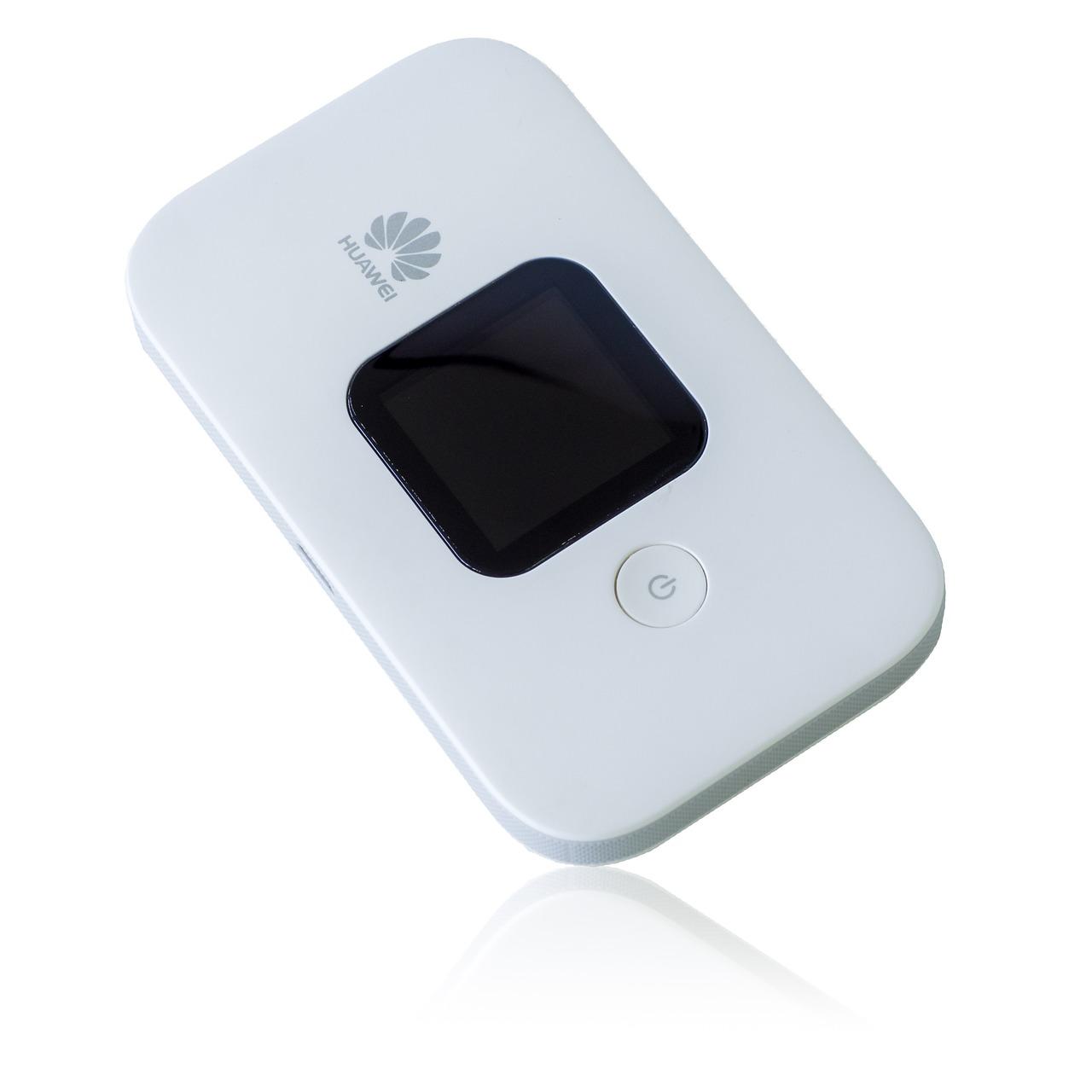
The biggest difference is how each gets you online. Cruise WiFi relies on satellite connections managed by the cruise line (think Carnival Cruise WiFi or Norwegian Cruise WiFi), while a personal hotspot depends on a cellular network from your SIM or eSIM.
Cruise WiFi
- Available on most major lines like MSC, Royal Caribbean, and Princess.
- Uses satellites, often Starlink, for connectivity.
- Speeds vary depending on location and coverage.
- Usually comes with high prices and separate plans for social, streaming, or browsing.
Personal Hotspot
- Runs on your carrier’s mobile data or eSIM cards.
- Works best in coastal areas or ports with strong cellular coverage.
- Rarely works far from land due to lack of towers.
- Can be more cost-effective than cruise WiFi with the right data plan, like GigSky’s Cruise + Land eSIM.
Key takeaway: Cruise WiFi wins for deep-sea coverage; hotspots are ideal in port or near shore.
Pros & Cons of Cruise WiFi

Cruise ship WiFi – MSC Cruise WiFi or Royal Caribbean Cruise WiFi, is the default choice for most passengers. It’s widely available and works anywhere on board, but there are trade-offs.
Pros
- Works across the ship, including staterooms and open decks.
- Connects with any WiFi-enabled device.
- Package options like NCL Cruise WiFi and Disney Cruise WiFi range from basic browsing to premium streaming.
Cons
- Daily rates often start at $16 per device, with premium plans over $40.
- Speeds can lag due to shared satellite bandwidth.
- Some plans limit coverage or throttle data speeds in port.
- No access once you leave the ship, which can make navigating in port tricky.
Pricing and plan flexibility vary widely between cruise lines—such as Celebrity Cruise WiFi, Carnival Cruise WiFi, and Royal Caribbean Cruise WiFi—but one thing is consistent: cruise WiFi isn’t the cheapest option.
GigSky Cruise + Land eSIM: A Game-Changer for Cruisers
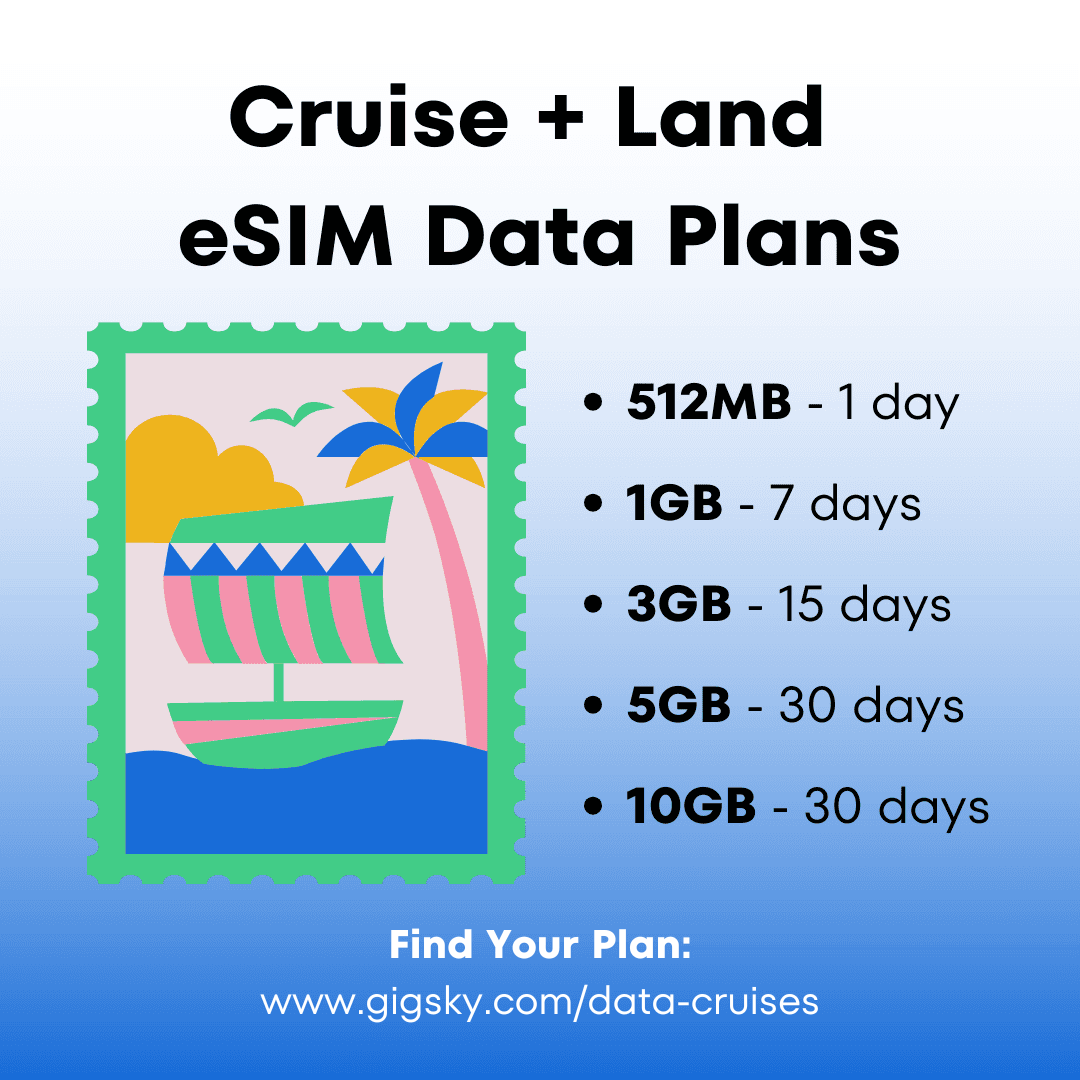
For travelers who want both affordability and flexibility, the GigSky Cruise + Land eSIM offers a middle ground.
You can switch between cruise WiFi at sea and mobile networks in port without swapping SIM cards or juggling plans.
Top benefits:
- Seamless switching between sea and land networks.
- Competitive data rates without expensive data roaming charges.
- Coverage in over 200 countries and regions.
- Works on most unlocked smartphones and tablets.
- Transparent pricing, only pay for what you use.
If your cruise includes lots of port stops or you like exploring independently, this setup can give you the coverage you need without overspending.
How to Set Up a Hotspot Using a GigSky eSIM

- Install your GigSky eSIM from the Play Store or App Store.
- Activate your plan, choosing the Cruise + Land package.
- Turn on your hotspot: iOS → Settings > Personal Hotspot > Allow Others to Join; Android → Settings > Connections > Mobile Hotspot & Tethering.
- Connect your devices using the network name and password shown on your phone.
- Track your usage in the GigSky app to avoid overages.
With the GigSky eSIM, your hotspot works anywhere there’s a mobile signal, giving you more options to stay connected.
Personal Hotspots vs. Cruise WiFi [Recap]
- You’ve got two real options at sea: cruise WiFi (works everywhere onboard, costs more) or a personal hotspot (great in port but it doesn’t work on open water).
- Cruise WiFi keeps you connected anywhere on the ship and premium plans can top $40/day.
- Personal hotspots are perfect in port with strong cell coverage, but roaming at sea can cost $10–$15 per MB.
- Best approach: mix both, use cruise WiFi in the middle of the ocean, switch to your hotspot in port to save money.
- GigSky Cruise + Land eSIM makes that easy, you switch seamlessly between ship WiFi and mobile networks without swapping SIM cards.
- Setup is quick: install the eSIM, pick your plan, turn on your hotspot, and connect your devices.
- Plan ahead so you avoid bill shock, stay online when you need it, and enjoy your cruise without chasing a signal.