

%2520(97).jpg&w=3840&q=75)


10 Travel Apps Fans Are Using to Survive World Cup 2026 Prices
You already paid more for this trip than expected. These 10 travel apps help fans avoid overpriced mistakes in the US, Canada, and Mexico.
 by Amira Bula
You already blew past the budget on this trip. Flights jumped. Hotels got expensive the second the fixtures dropped. And people are seeing Uber prices near stadiums hit hundreds of dollars on match day.
By the time you land, the last thing you want is your phone becoming another problem. That's why picking the right travel apps before you leave matters as much as sorting your flights.
A lot of international fans realize too late that their data plan only works in one host country, or charges daily fees that stack up fast across the US, Canada, and Mexico.
And when you're trying to navigate a city, find your group, or call an Uber after a match, you can't really afford to lose connection.
These are the best travel apps worth setting up before you leave. Start with the first one.
1. GigSky: Your Data Across All 3 Host Countries
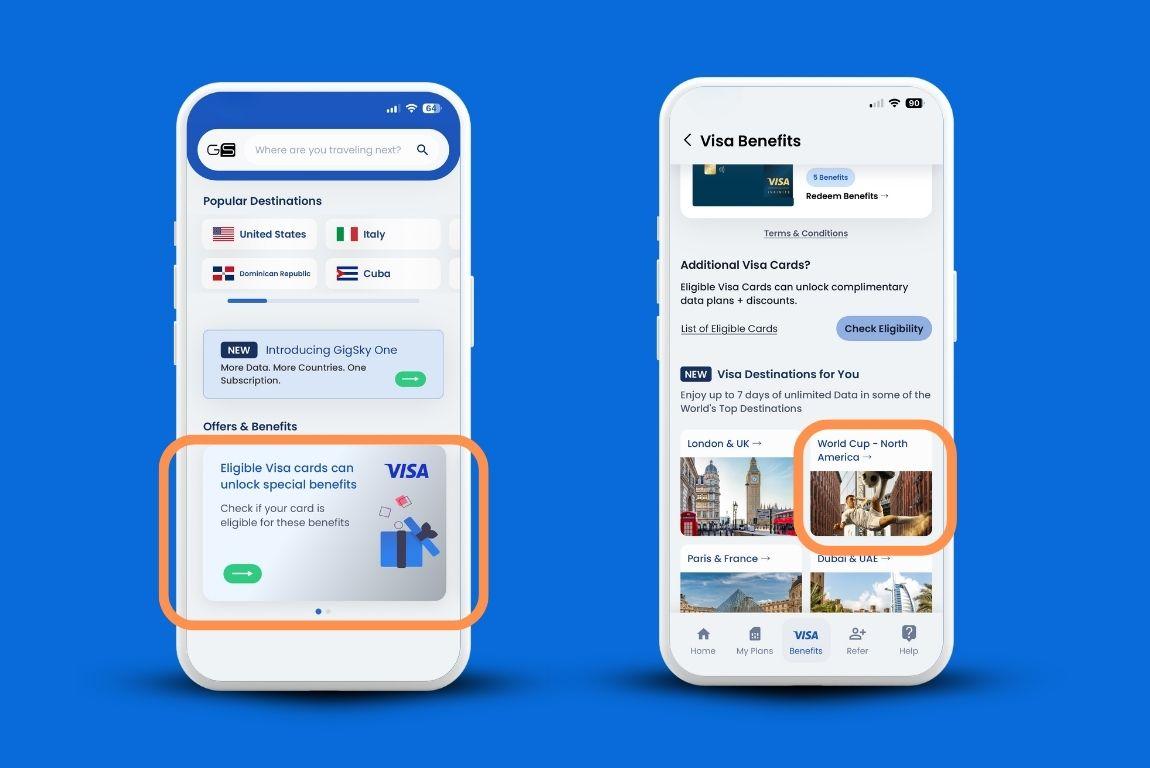
This one comes first among your travel apps because it affects everything else on this list.
Every travel app here runs on data. And if your data situation isn't sorted before you land, you'll feel it from the moment you step off the plane.
Here's the actual problem most international fans are running into. You're not just visiting one city. You might be in Dallas one week, Toronto the next, then Guadalajara after that.
Three countries, three different carrier situations. Your home plan either doesn't cover all of them, charges you per day in each country, or works in one and drops out the moment you cross a border.
So you're either paying more than you planned, scrambling for a local SIM at the airport, or asking around in a stadium parking lot for someone's hotspot.
International fans heading to the US for the first time are already navigating a lot. Tipping culture, public transport that doesn't work the way you expect, stadium areas with Uber surge pricing that kicks in hard on match days.
You need maps. You need real-time navigation. You need to message your group when you get separated from them in a crowd. None of that works if your data connection is unreliable or if you're rationing it.
GigSky solves this with one eSIM that works across the US, Canada, and Mexico. You install it once before you leave, and it connects automatically when you land.
There's no QR code to scan at the airport, no settings to configure, no need to ask at a carrier kiosk. You just have data.
Coverage spans 200+ countries total, which matters if your World Cup trip has stops before or after the host countries. And right now, GigSky is offering up to 7 days of free unlimited data specifically for World Cup fans traveling to the US, Canada, or Mexico between April 1 and July 31, 2026.
How to Check if You're Eligible
If you have an eligible Visa card, you may already have this benefit waiting for you. The whole process runs through a single travel mobile app:
- Download the GigSky app
- Tap the Visa banner inside the app
- Enter your card number to confirm eligibility
Visa Infinite cardholders get 7 days of unlimited data. All other eligible Visa cardholders get 3 days. Once confirmed, you'll also see a 20% or 30% discount applied automatically to any additional plans you buy, with no code required and no expiration.
You don't need to be attending a match to use it. Any eligible Visa cardholder traveling to any of the three host countries during that window can redeem it. The eSIM setup takes a few minutes at home before your trip. Everything after that is automatic.
Available on: iOS and Android. eSIM-compatible and unlocked phones required.
2. Google Maps: For Getting Around and Eating Without Getting Overcharged
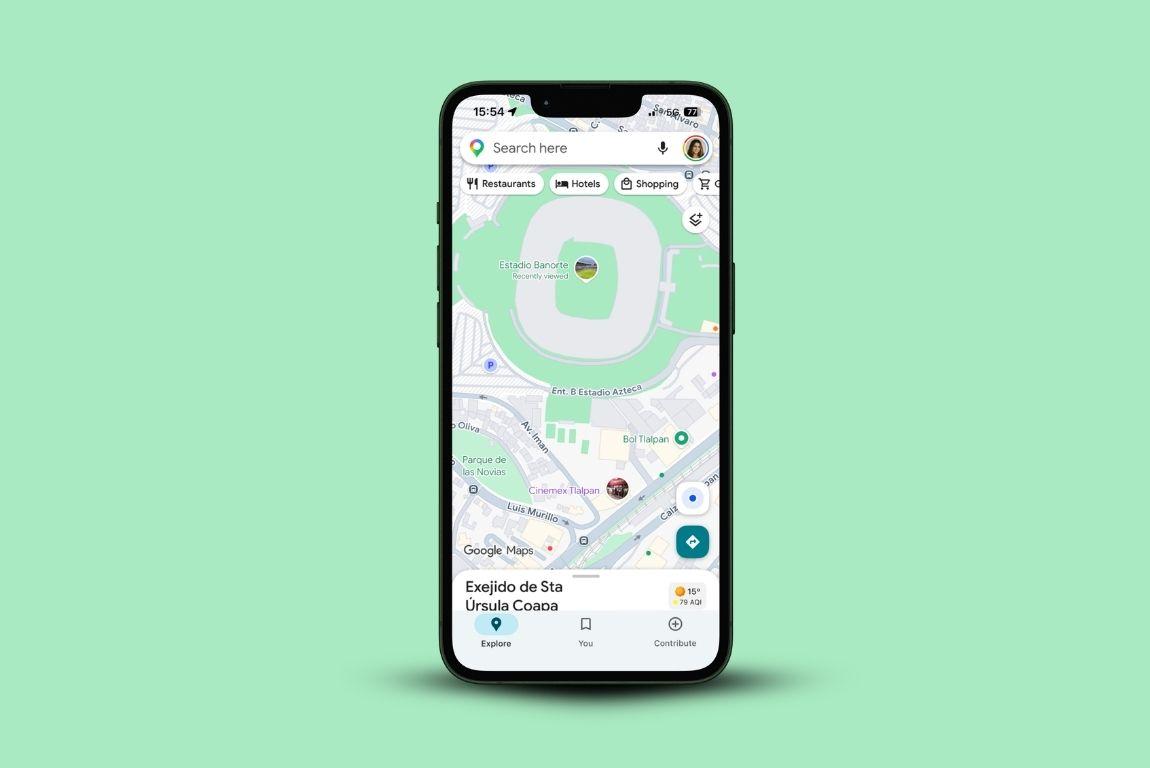
The US is car-dependent in most of its World Cup host cities. Dallas, Houston, Kansas City, Los Angeles. Public transit exists but it won't always get you from where you're staying to where the stadium is. You're going to be relying on a mix of transit and rideshare, and you need to know which one to take in real time.
The other thing Google Maps is useful for around match days: finding somewhere to eat that isn't right next to the stadium. Food prices near venues on match day are noticeably higher, and walk-in restaurants in that zone are basically tourist pricing. Search for restaurants one or two blocks away from the stadium the night before, read the reviews, and book a table if you can. The difference in price is real.
Download your destination cities for offline use before you leave. Stadium areas can get congested enough that loading times slow down even with good data.
Available on: iOS and Android. Free.
3. Uber: The travel app You Need Before You Cross Any Border
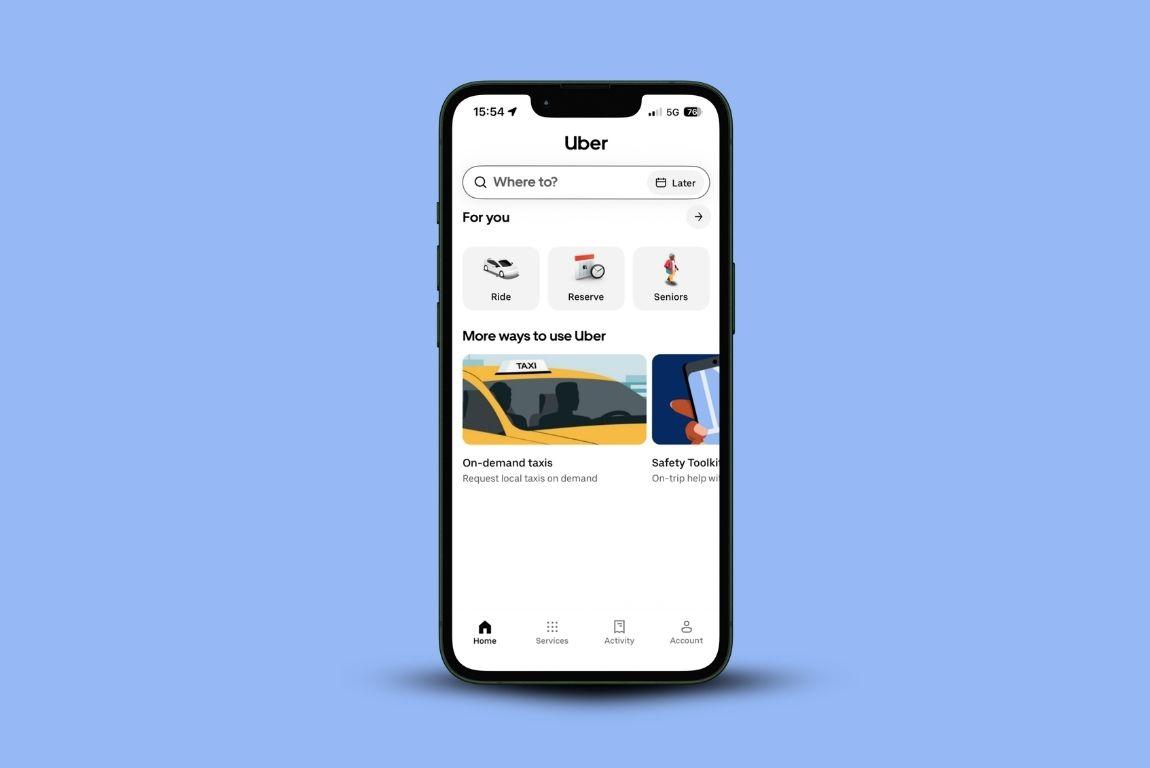
In most US host cities, Uber is how you're getting around. Set up your account and add your payment method before you travel. Trying to add an international card in a stadium parking lot after a match isn't a situation you want to be in.
A few things worth knowing: Lyft only operates in the US and Canada, so if your trip includes Mexico, Uber is the one to have. Surge pricing kicks in hard in the two hours around kickoff and full-time near stadiums. People have reported Uber rides to stadiums running into the hundreds of dollars on match days. If you can, plan to arrive earlier than you think you need to, or use Google Maps to check if there's a transit option that bypasses the surge zone.
Available on: iOS and Android.
4. The FIFA Official App: For Your Tickets and Fan ID
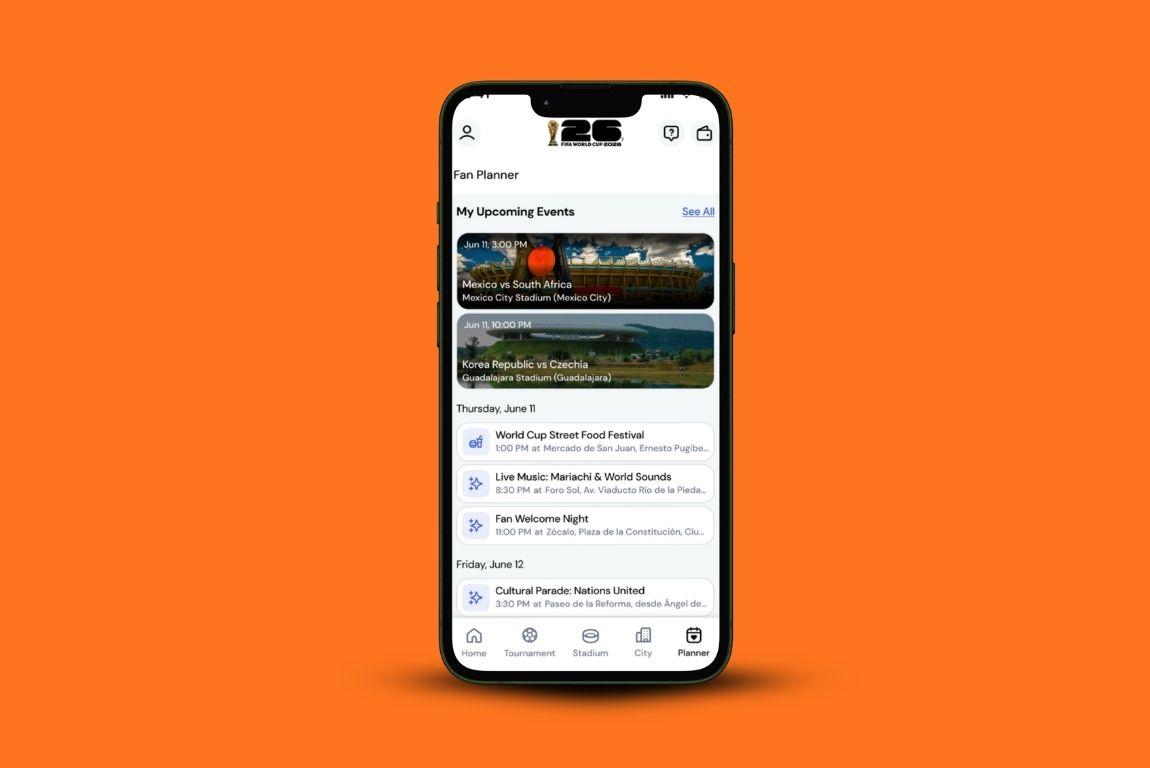
This is where your match tickets live. You'll also use it to access your Fan ID, which is your stadium entry credential. Get this installed, logged in, and synced well before match day, not at the turnstile.
The app also has live schedules, stadium information, and details on the fan zones in each host city. Fan zones are free, open to everyone, and worth building a full day around if you're in a host city on a non-match day.
Available on: iOS and Android. Free.
5. Airbnb: For Accommodation That Doesn't Ruin the Budget
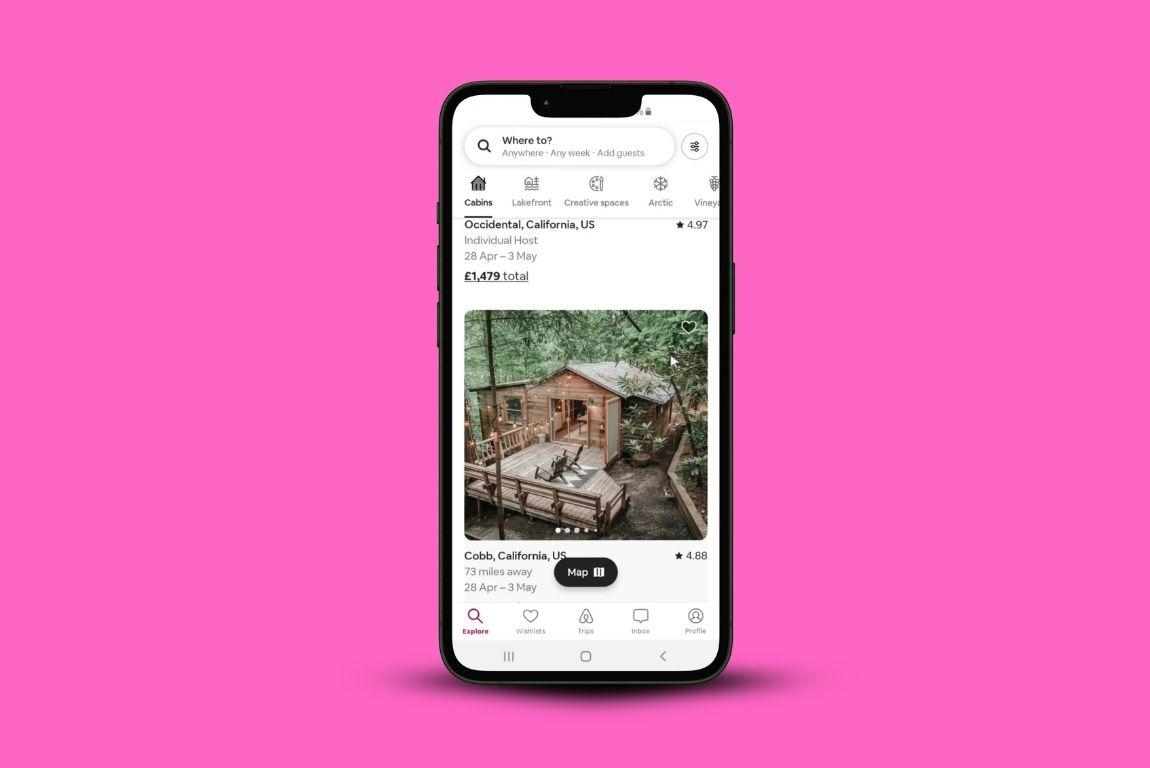
Hotels near host cities during this tournament are eye-watering. Vancouver was showing $800 or more per night during match periods. The fans who came out ahead on accommodation booked Airbnb early, some as far back as last summer, and booked refundable options.
One fan heading to two matches, Vancouver and New Jersey, broke down her costs: an Airbnb in West Vancouver and an Airbnb in North Bergen with a free parking spot included. Both were booked months before prices moved.
If you haven't sorted accommodation yet, search a little outside the host city. People are finding reasonable options 30 to 45 minutes out and driving or taking transit in.
Available on: iOS and Android.
6. Home Exchange: For Free Accommodation If You Plan Ahead
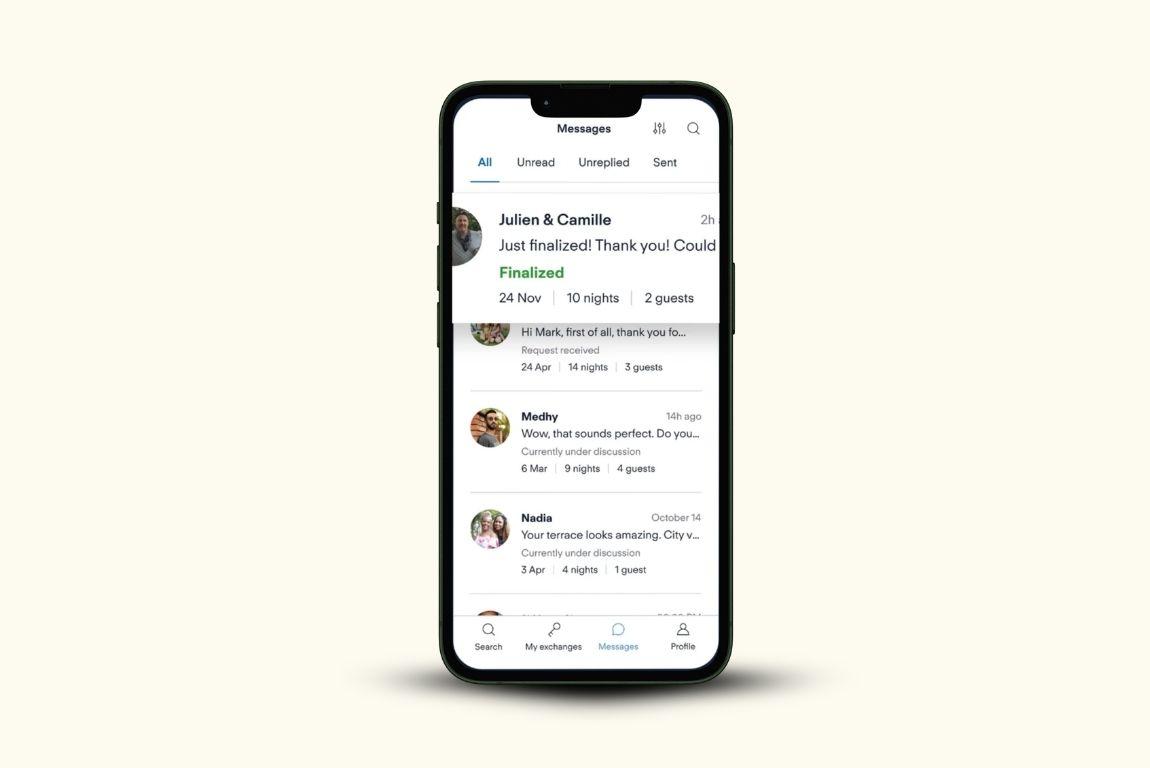
Home Exchange is a membership platform where you swap your home with someone else's. One fan attending 7 matches across the tournament kept his total flight cost under $500 using points and used home exchange for all accommodation. It requires some lead time to set up, but if you already have a membership or are willing to get one, it's worth checking availability in host cities.
Available on: iOS and Android.
7. Priceline: For Last-Minute Hotel Deals Near Host Cities
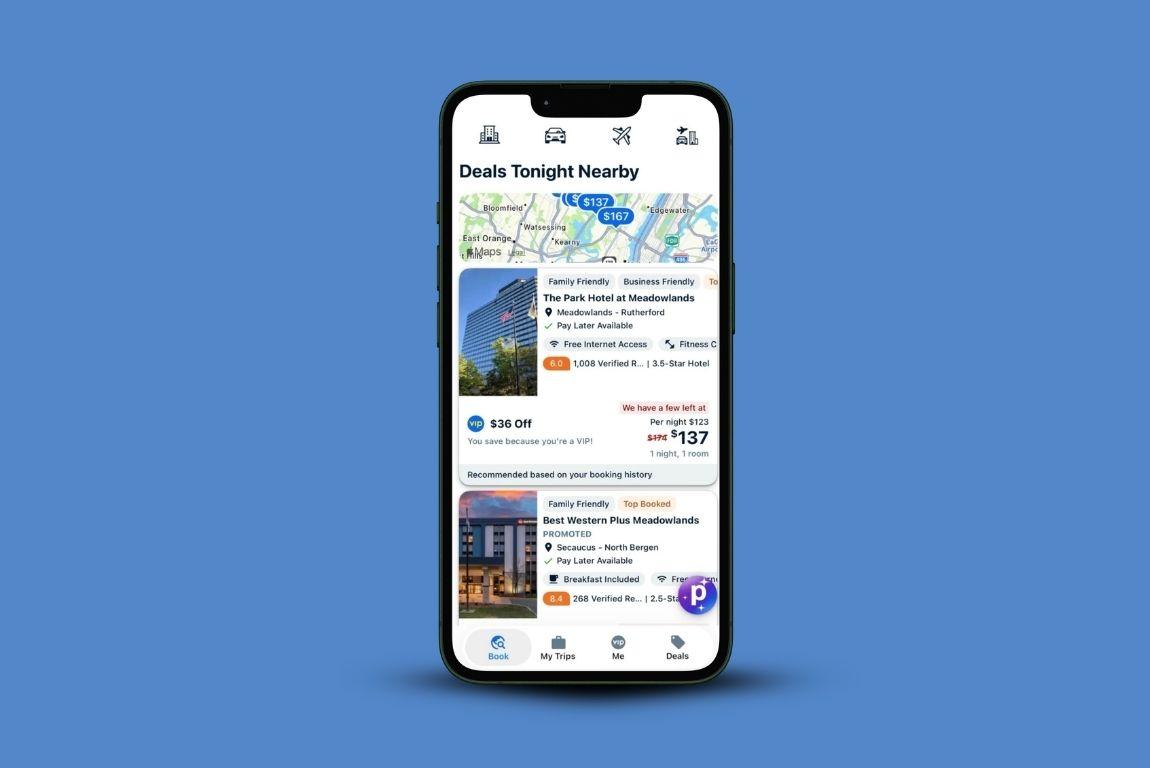
If you've left accommodation later than you should have, Priceline is where to check what's left. In cities like Kansas City, decent hotels were still showing up in the $300 to $500 range on the platform when others closer in were far higher.
The tactic that works: search smaller cities 30 to 45 minutes outside the host city and check what's available there. The price difference compared to booking in the host city itself is significant.
Available on: iOS and Android.
8. World of Hyatt, Hilton Honors, and Marriott Bonvoy: For Using Points You Already Have
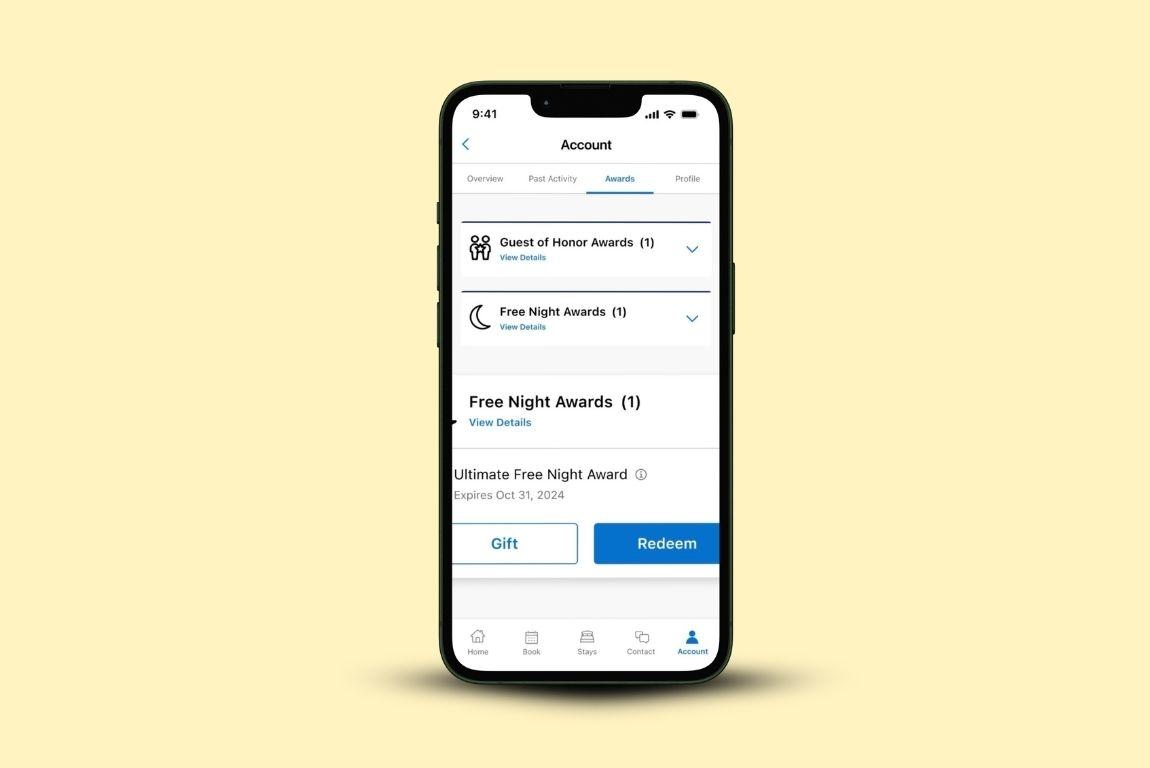
If you've been putting flights, tickets, or anything else on a credit card, check your hotel loyalty balances before you book anything.
Several fans covered their hotels entirely this way. One person used 24,000 Hyatt points for two nights in Houston and paid nothing for the room.
Another converted credit card points to Hyatt points and covered almost all of their accommodation across the trip.
If you have points sitting in World of Hyatt, Hilton Honors, or Marriott Bonvoy, open the travel app, search your host cities, and see what's available before you pay cash for a hotel.
Available on: iOS and Android. Free.
9. Google Translate: For Mexico and Beyond
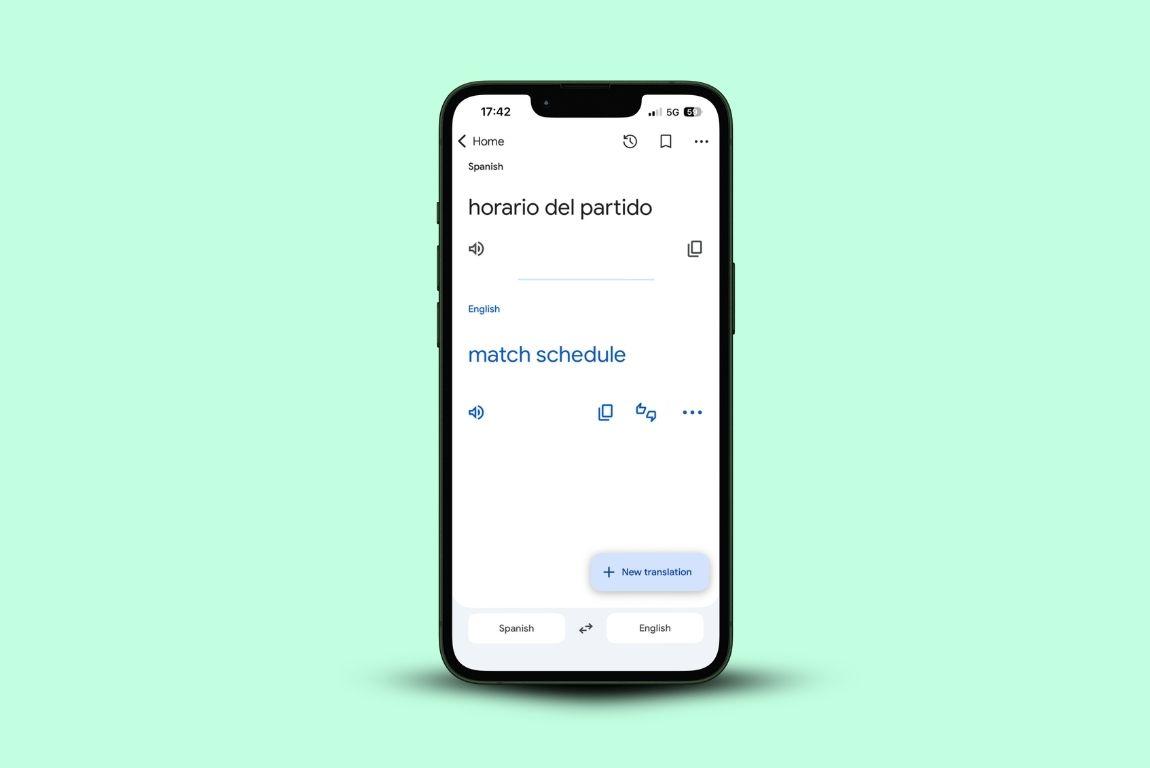
If any of your matches are in Mexico, this is essential. Even in areas that see a lot of visitors, English is less widely spoken than in the US. The camera translation feature works well for menus and signs. Download Spanish for offline use before you go. It's also useful in US host cities with large Spanish-speaking populations, Dallas and Houston especially.
Available on: iOS and Android. Free.
10. XE Currency: For Converting Across 3 Countries
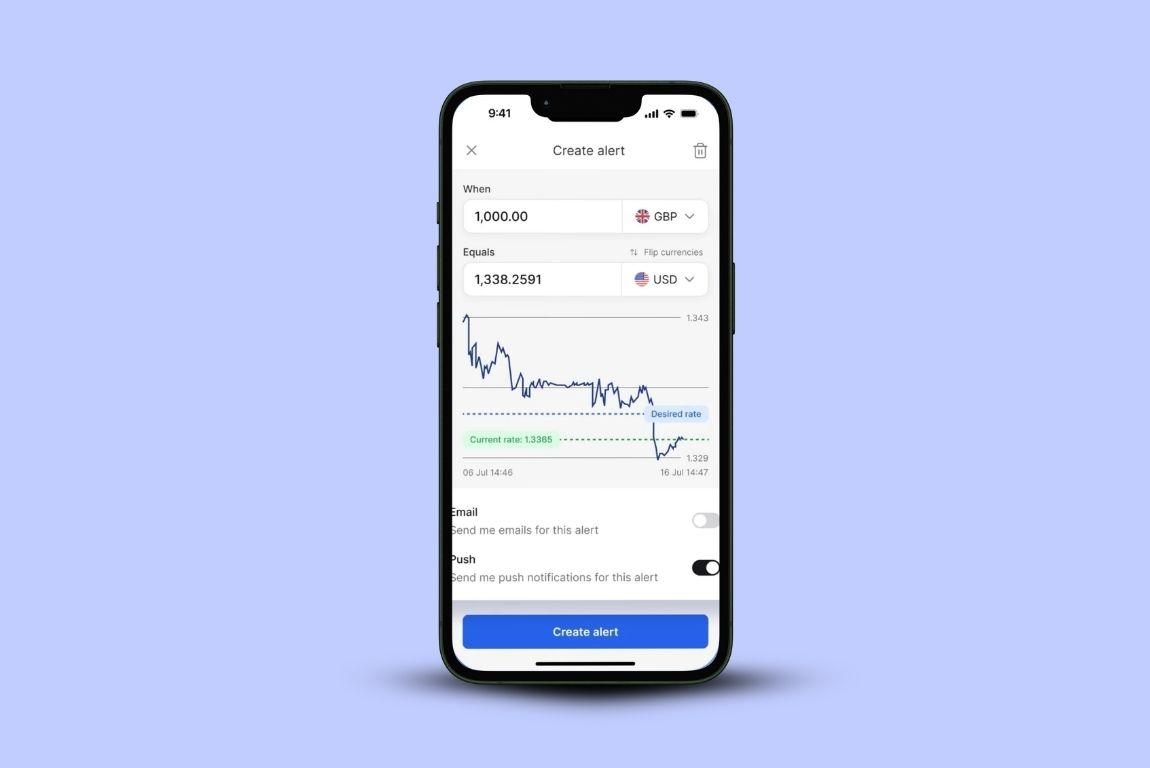
US dollars, Canadian dollars, Mexican pesos. XE pulls live rates and works offline once loaded.
It's a small travel app and you'll reach for it more than you expect, especially when you're trying to figure out quickly whether that menu near the stadium is reasonable or not.
Available on: iOS and Android. Free.
Recap: The best travel apps To Survive World Cup 2026 Prices
- GigSky: data across all three host countries. If you have an eligible Visa card, open the app, tap the Visa banner, and check if you qualify for up to 7 days free.
- Google Maps: navigation and finding restaurants away from stadium pricing. Download cities offline.
- Uber: set up payment before you travel. The surge near stadiums is real.
- FIFA Official App: tickets and Fan ID. Set up before match day.
- Airbnb: book early and book refundable. Search outside the host city if you're late.
- Home Exchange: free accommodation if you plan ahead.
- Priceline: for last-minute options, check nearby cities, not just the host city itself.
- World of Hyatt, Hilton Honors, Marriott Bonvoy: check your balances before booking anything with cash.
- Google Translate: download Spanish offline if you're going to Mexico.
- XE Currency: live exchange rates across three currencies, works offline.
The one to do tonight: download GigSky, tap the Visa banner, and check if your card gets you free data.
It takes five minutes and could be the one thing on this list of travel apps that actually costs you nothing.