

%2520-%25202026-05-28T181042.101.jpg&w=3840&q=75)


Does GigSky Work on Your Princess Alaska Cruise 2026? Inside Passage, Sea Days, and Ports Explained
Before your Princess Alaska cruise 2026, read this guide on GigSky, Inside Passage coverage, sea days, ports, and messaging.
 by Amira Bula
You probably don't need a ton of internet for your Princess Alaskan cruise. You just want enough connection to send and receive text messages, check maps in port, and let people know you're alive without overthinking it.
But once you start searching cruise connectivity, the questions pile up fast.
Will it even get turned on at sea? Does "cellular at sea" actually work in Alaska? Can you still get iMessages? Why are people saying to turn the eSIM off when not using it?
And if you've never used an eSIM before, it's easy to feel like everyone else understands something you don't.
A lot of travelers are in the exact same spot. You just want something that works fine without paying for more than you'll realistically use.
That's why this guide breaks down exactly how the GigSky eSIM works on a Princess Alaska cruise 2026, what happens during sea days and the Inside Passage, and whether the Messaging + Essentials plan or the standard GigSky Cruise eSIM makes more sense for your trip.
Does GigSky Work on Princess Alaska Cruises?
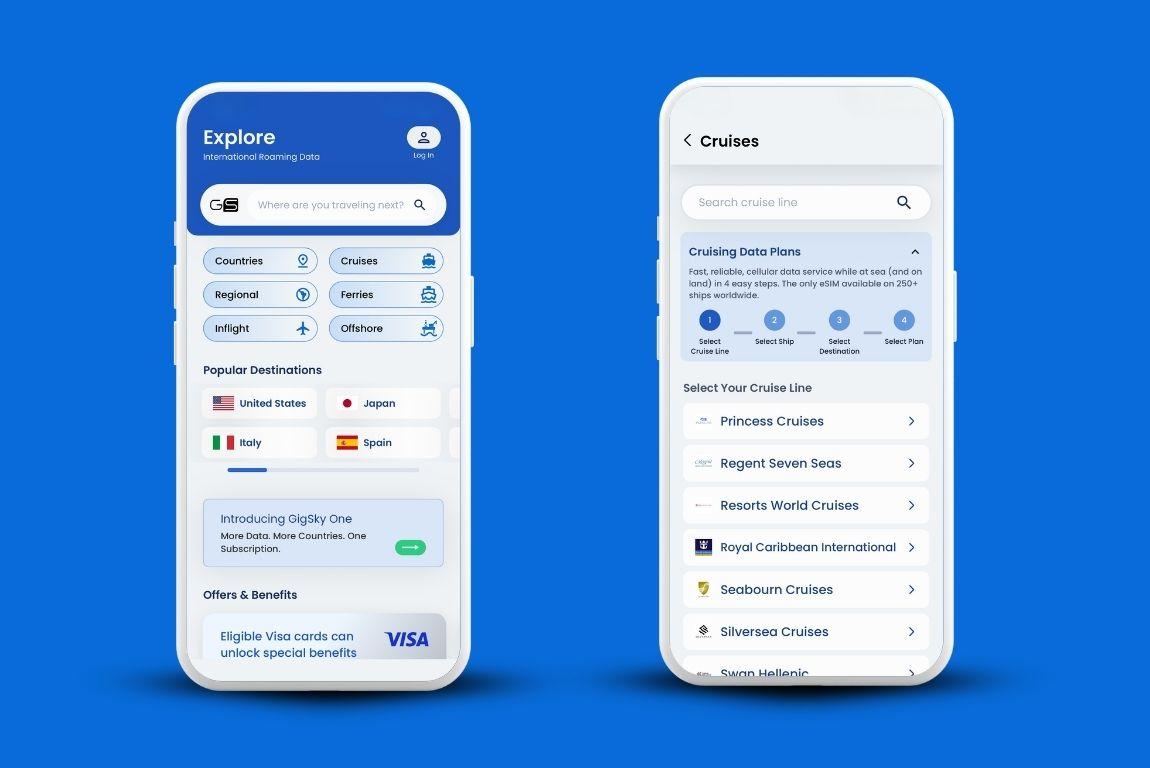
Yes. GigSky covers Princess Cruises ships sailing Alaska itineraries, including both sea days and port stops like Juneau, Ketchikan, Skagway, and Victoria.
Where most travel eSIMs fall short is at sea. They're built for land coverage and go inactive once you're sailing.
GigSky is different because it operates as a mobile network with cruise-specific infrastructure, connecting through the maritime networks that cover more than 290 ships worldwide. Princess Cruises is part of that network.
So when you're at sea on a Princess Alaska cruise 2026, the connection routes through maritime cellular.
When you're in port, GigSky auto-connects to the local land network. No settings to change, no plan to manually activate.
What About the Inside Passage?
This one comes up a lot on any Princess Alaskan cruise, and it deserves a straight answer.
When a ship is within about 12 nautical miles of land, the onboard maritime cellular system typically powers down.
You're close enough to shore that your phone can pick up land-based tower signals directly, which is what tends to happen near Ketchikan or on the approach into Juneau.
Once you're further out, in open-water segments where those land towers can't reach, the maritime network takes over. That's when GigSky is doing the work.
At ports, your phone connects the same way it would anywhere else. You walk off the gangway, GigSky picks up the local network, and you're connected.
Which Princess Ships Are Covered?
All current Princess Cruises ships on Alaska routes — and if you're planning a Princess Alaska cruise 2026, this list covers every vessel currently sailing: Caribbean Princess, Coral Princess, Crown Princess, Diamond Princess, Discovery Princess, Emerald Princess, Enchanted Princess, Grand Princess, Island Princess, Majestic Princess, Regal Princess, Royal Princess, Ruby Princess, Sapphire Princess, Sky Princess, Star Princess, and Sun Princess.
If your ship isn't on this list or you want to double-check before purchasing, you can search by cruise line in the GigSky app to confirm.
What GigSky Is Good For at Sea
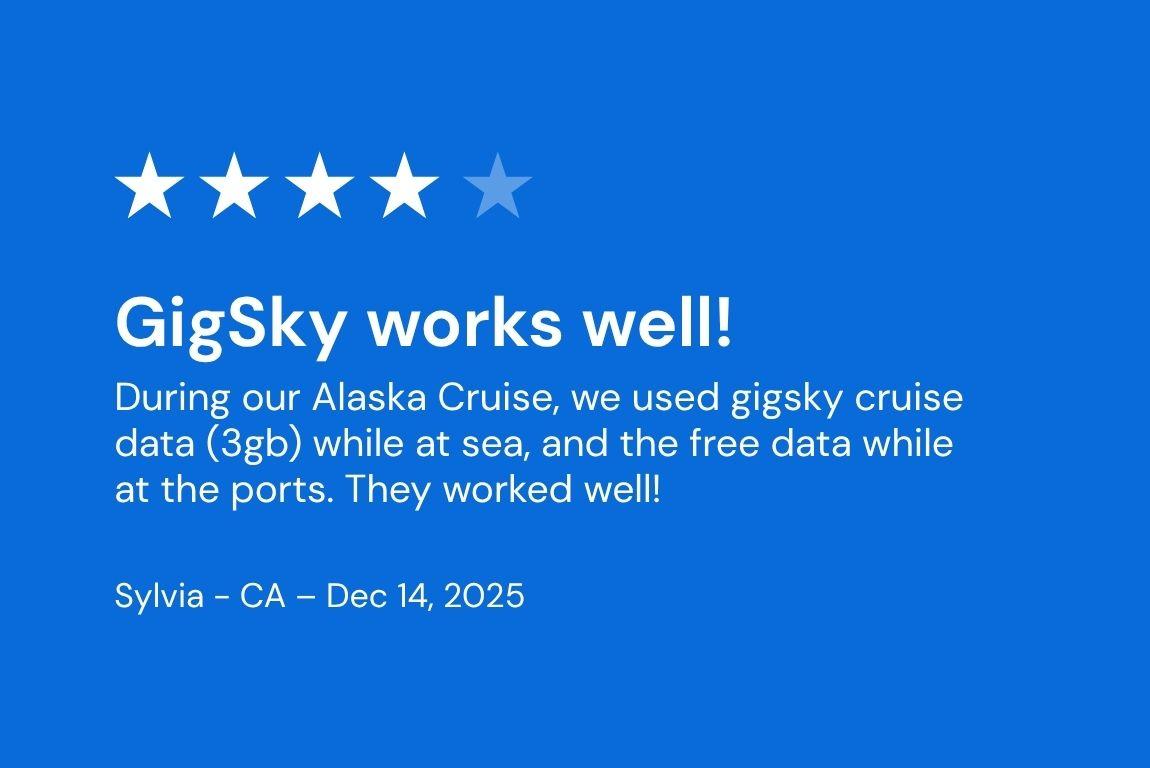
iMessage, WhatsApp, email, maps. That covers the vast majority of what cruise travelers need on any Alaska Cruise Princess itinerary.
The signal inside your cabin will be weaker than on deck. Metal hulls and multiple interior walls affect how well the signal reaches you, so interior cabins tend to feel slower than those with balconies or exterior access.
If the connection feels sluggish, moving to a common area or stepping outside usually sorts it.
Video calls and streaming are a different story. The maritime connection isn't built for that kind of sustained data use, and you'll burn through your allowance quickly.
If remote work or streaming is on the agenda for your sea days, the ship's Wi-Fi package is the more practical choice for that.
The Two Plan Options
Messaging + Essentials
This one is designed for travelers who want to stay reachable without monitoring their data.
It covers WhatsApp, iMessage, email, and maps, and the pricing stays in line with what you'd expect to use, whether you're on a short Princess Alaskan cruise or a longer sailing.
| Duration | Price |
|---|---|
| 1 Day | $7.00 |
| 3 Days | $16.99 |
| 5 Days | $26.77 |
| 7 Days | $34.84 |
| 10 Days | $47.59 |
| 14 Days | $59.49 |
For a standard 7-night Alaska sailing, a 7-day plan at $34.84 covers the full trip for messaging.
Standard Cruise Data Plan
More flexibility. You get a data bucket that works across sea days and ports, usable for social media, photos, browsing, maps, whatever you need.
There's also a free 100 MB trial with no credit card required, which is a good way to test how the connection performs before committing to a larger plan.
| Data | Duration | Price |
|---|---|---|
| 100 MB | 7 Days | Free Trial |
| 512 MB | 1 Day | $24.99 |
| 1 GB | 7 Days | $29.99 |
| 3 GB | 15 Days | $74.99 |
| 5 GB | 30 Days | $131.24 |
| 10 GB | 30 Days | $232.49 |
The 3 GB plan at $74.99 covers most Princess Alaska cruises comfortably for moderate use. If you're sharing your connection with someone, the 5 GB or 10 GB plans give you more room.
Making Your Data Last
Phones do things in the background that you never notice on land. Apps refresh. Notifications sync. Location services run. On a ship, that background activity eats into your allowance faster than you'd expect.
The fix is simple: turn off background app refresh in your phone settings before you board. Keep only messaging apps and maps active.
GigSky sends a notification when you've used 80% of your data, so you'll have a heads-up before you hit the limit.
One more thing worth doing: install the eSIM a few hours before you leave for the port, but keep it turned off until you've actually boarded.
Since GigSky auto-connects to the strongest available network, it can start using data while you're still in Seattle or Vancouver if it's running.
Getting Set Up
Whether this is your first Princess Alaska cruise 2026 or you've sailed Alaska before, setup takes minutes:
- Download the GigSky app
- Search for Princess Cruises
- Select your ship and region, and either start with the free 100 MB trial or choose the plan that fits your trip. The 100 MB trial requires no credit card.
Recap: This is How GigSky Works on a Princess Alaskan Cruise
- GigSky covers Princess Cruises ships on Alaska routes, including sea days and every port stop
- Inside Passage connectivity depends on distance from shore. Open-water segments use maritime networks; near-shore segments may reach land towers directly
- The cabin signal is weaker than common areas or decks. Moving to an open space improves connectivity
- Messaging + Essentials starts at $7/day and covers WhatsApp, iMessage, email, and maps
- Standard plans start with a free 100 MB trial, no credit card needed
- Turn off background app refresh before boarding to protect your data allowance
- Install before you leave, but keep the eSIM off until you've boarded